Build Your First Scratch Game
July 11, 2026
games
🍎 Build a Catch the Apple Game in Scratch
In this beginner-friendly Scratch tutorial, you'll learn how to create a fun game where a basket catches falling apples. Along the way you'll understand events, loops, variables, collision detection and game logic.
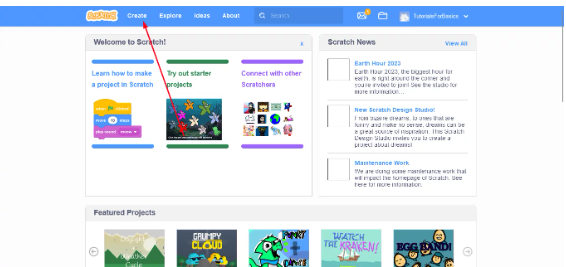
Step 1: Open Scratch Editor
Visit the Scratch website and click Create. Remove the default Scratch Cat because we'll use our own sprites.
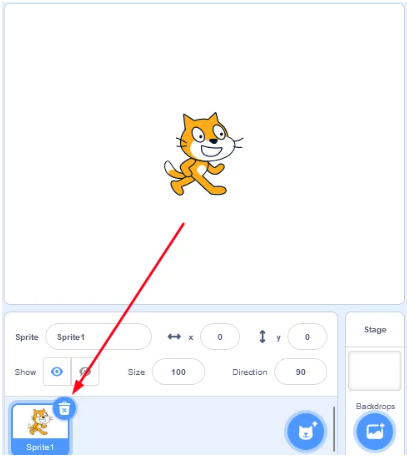
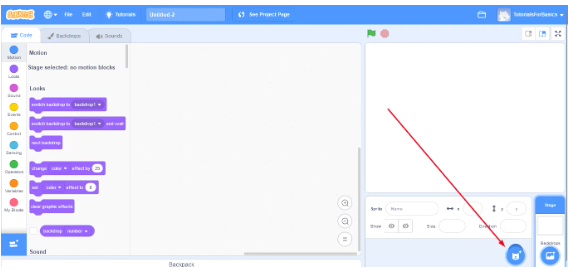
Step 2: Add Basket and Apple Sprites
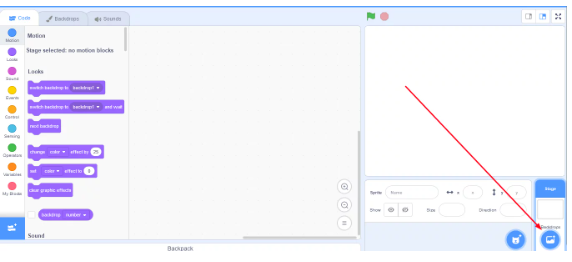
Choose a Basket sprite and an Apple sprite from the Scratch library. Resize them if required and position the basket at the bottom of the stage.
Step 3: Move the Basket
Use keyboard events so that pressing the left and right arrow keys moves the basket across the screen.
basket.txt
Step 4: Make the Apple Fall
Continuously move the apple downward. When it reaches the bottom, send it back to the top at a random X position.
Step 5: Increase the Score
Whenever the basket touches the apple, increase the score by one and move the apple back to the top.
score.txt
💡 Challenge: Increase the apple speed every 5 points to make the game more exciting.
Play the Finished Project
Scratch Project Embed
Test Your Knowledge
Quick Quiz
Which Scratch block is used to keep repeating actions?
Frequently Asked Questions
Frequently Asked Questions
Yes. Scratch is completely free and developed by the MIT Media Lab.
Yes. You can share your project publicly using your Scratch account.
Absolutely. Scratch is specifically designed for beginners aged 7 and above.